Void Buddy
Welcome to Void Buddy, your new exploration companion overlay for Elite: Dangerous!
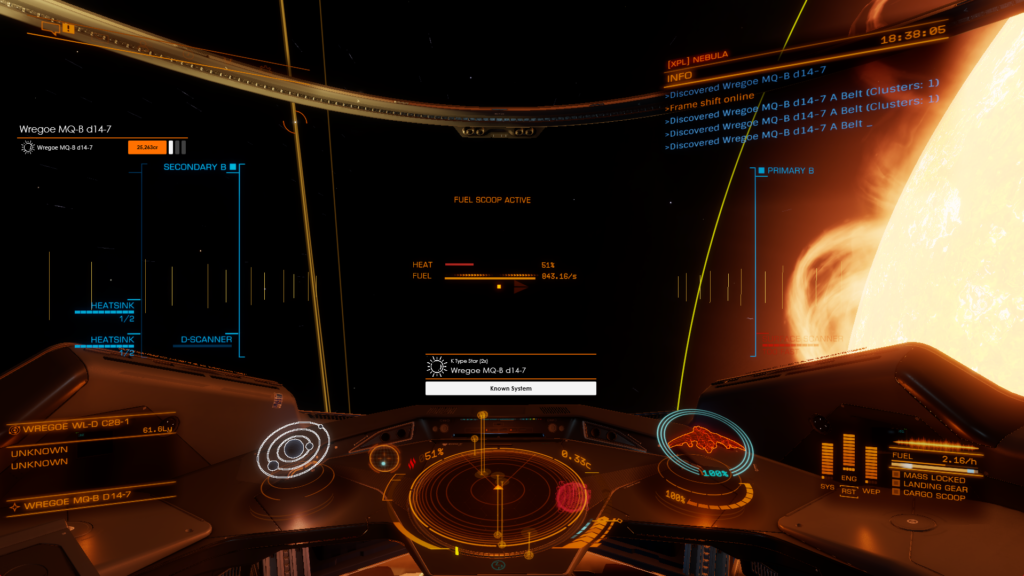
With a focus on clean, colour-coded visuals, Void Buddy makes exploration more accessible by displaying various useful information about recently scanned celestial bodies right on top of your game!
Scroll down for more information about the different overlay types, or download the application right here.
Version History
Installation Guide
- Download the application files
- Extract the contents of the .zip file anywhere
- Launch the Void-Buddy.exe file
This application requires the .NET 8.0 Desktop Runtime to be installed.
Upon first launch the application will ask you where your Elite: Dangerous logfiles are located. Most of the time it’ll find the folder location by itself. If it doesnt, please check and enter the folder location where the game’s logfiles are located. Usually they can be found here:
- C:\Users\your-username-here\Saved Games\Frontier Developments\Elite Dangerous
// Scan Information
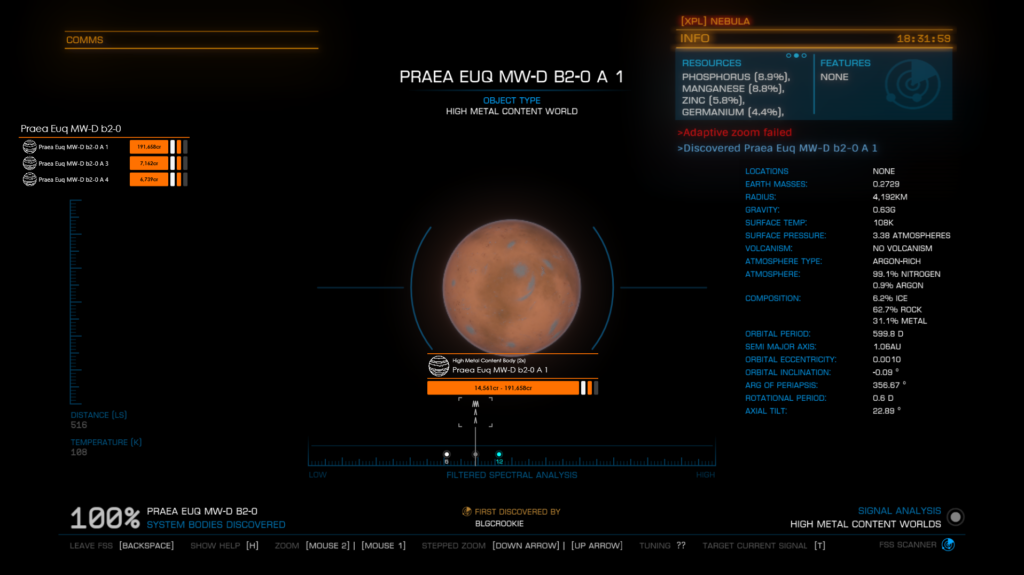
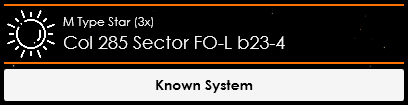
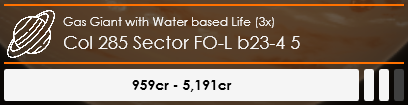
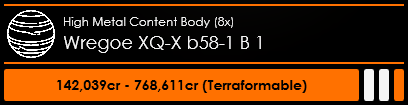
The Scan Information Overlay displays information about the most recently scanned celestial or organic body. This includes…
- Star / Planet Type
- Star / Planet Name
- Estimated Universal Cartographic or Vista Genomics Value
- Terraform Status
- First-Discovery Status
- First-Map Status
- First-Footfall Status

// System Scan Logs
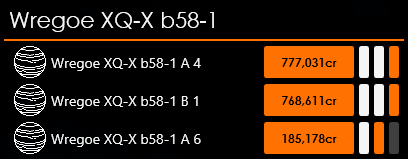
The System Scan Logs Overlay displays all noteworthy celestial bodies which have been FSS-scanned in the current system. You may choose whether or not you want to use this as a pure old-fashioned log of the most recent scans, or swap into POI-Mode to display an ordered list of the bodies with the highest potential payout to check off.
Similar to the Scan Information Overlay, the System Scan Logs Overlay also displays the estimated value of an object, as well as their first-scan, first-map and first-footfall status.